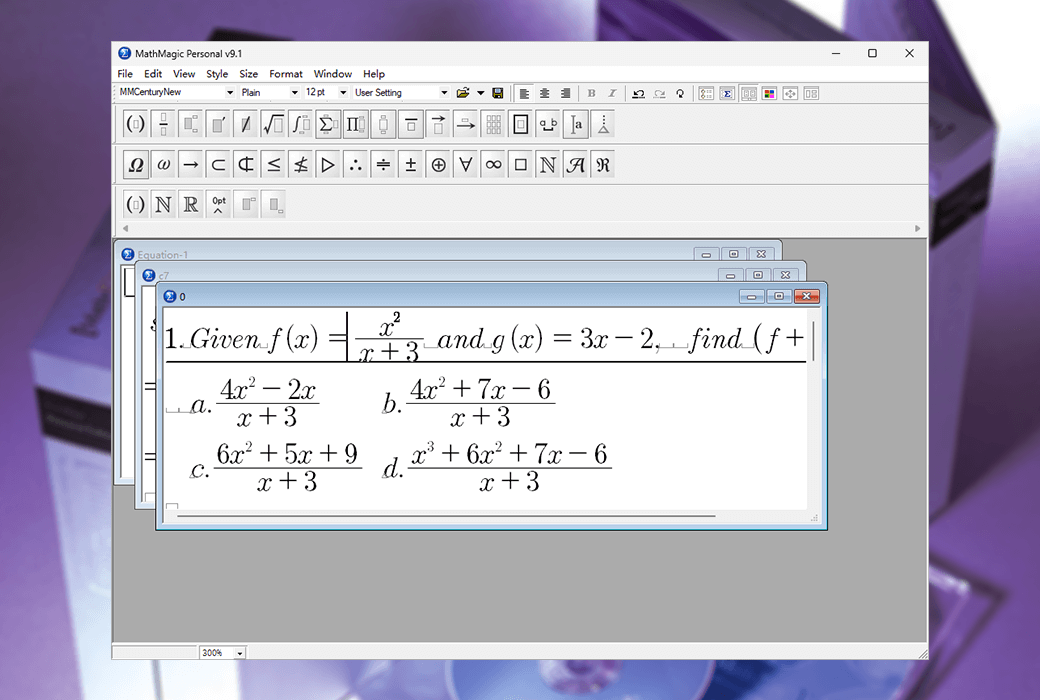
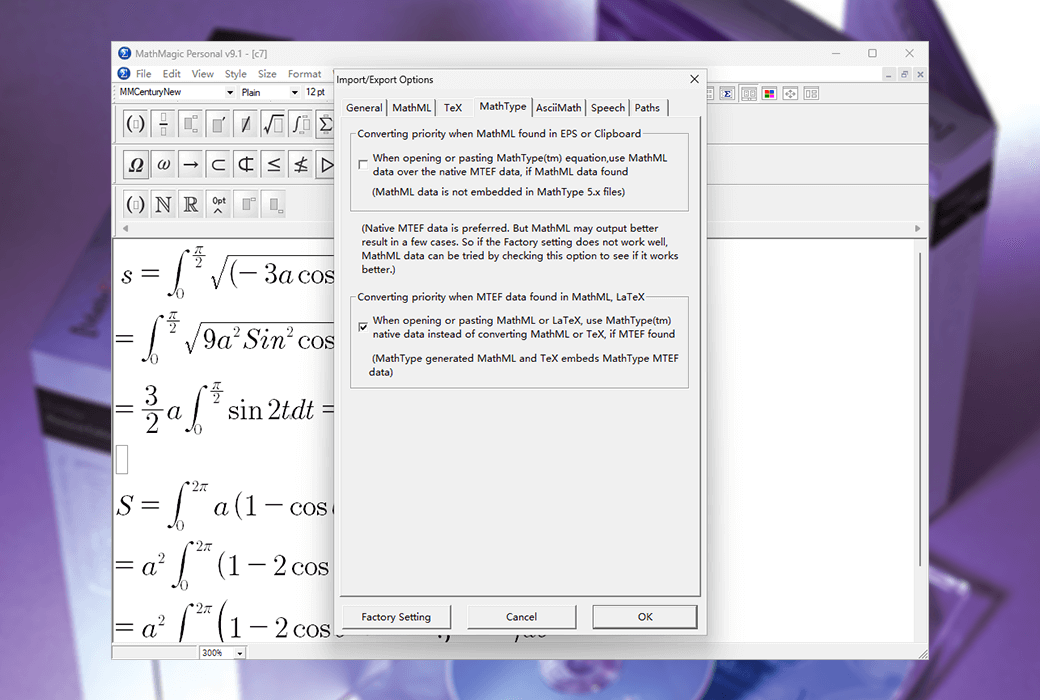
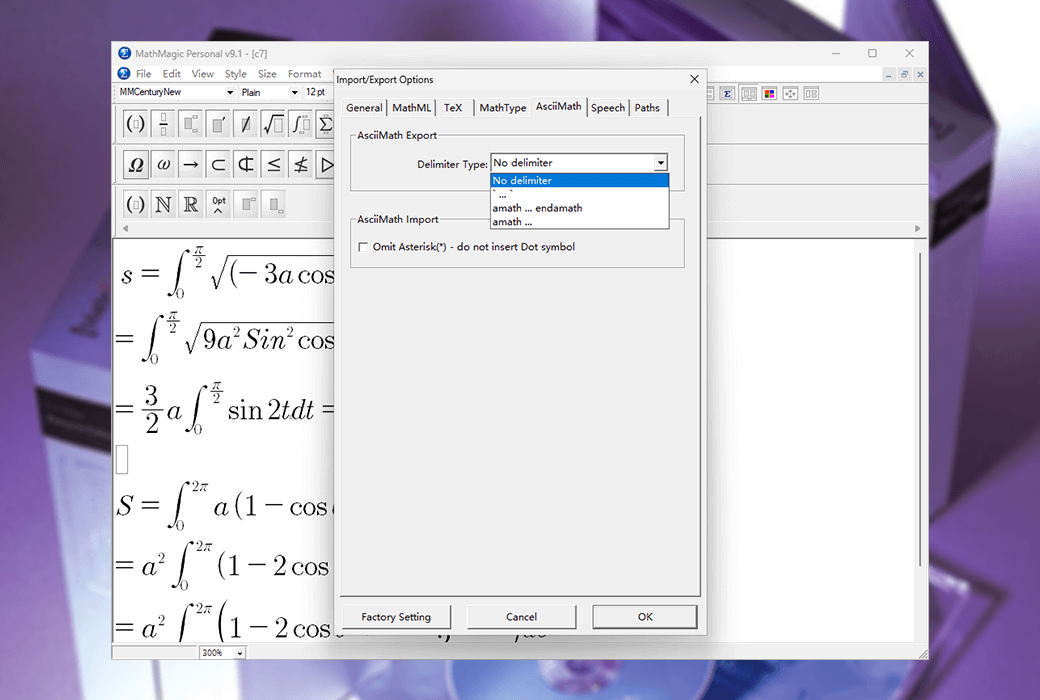
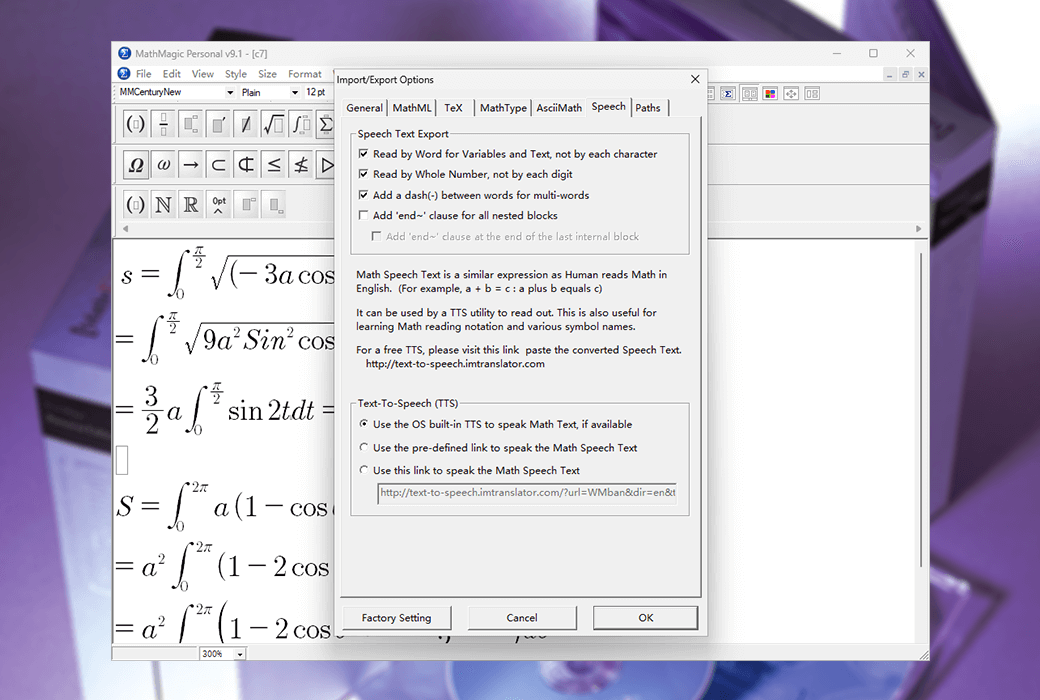
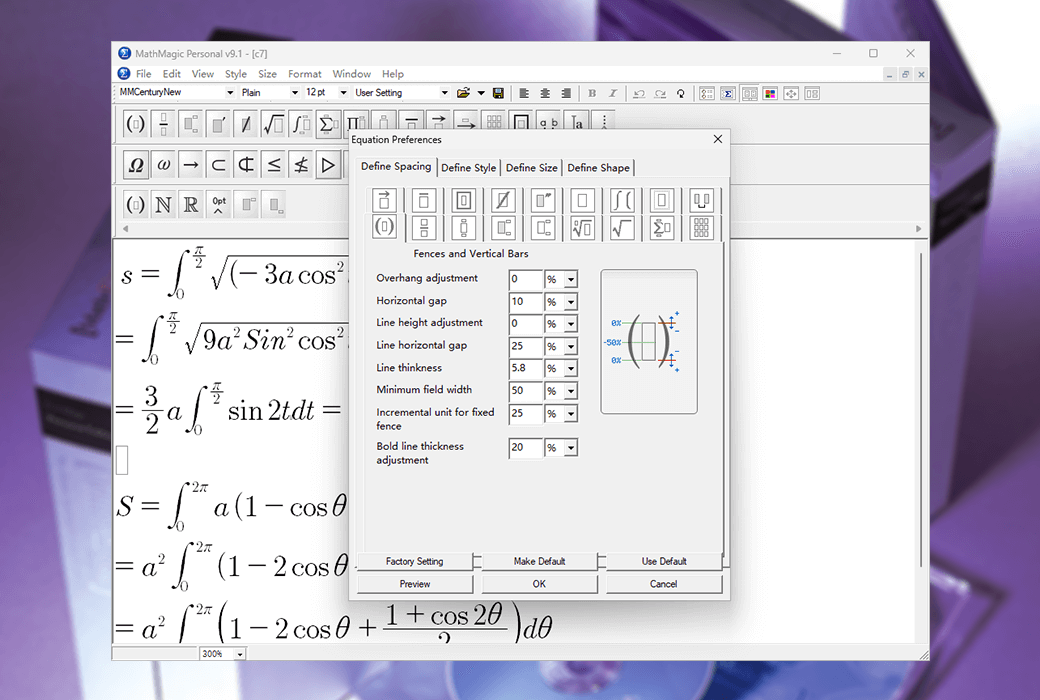
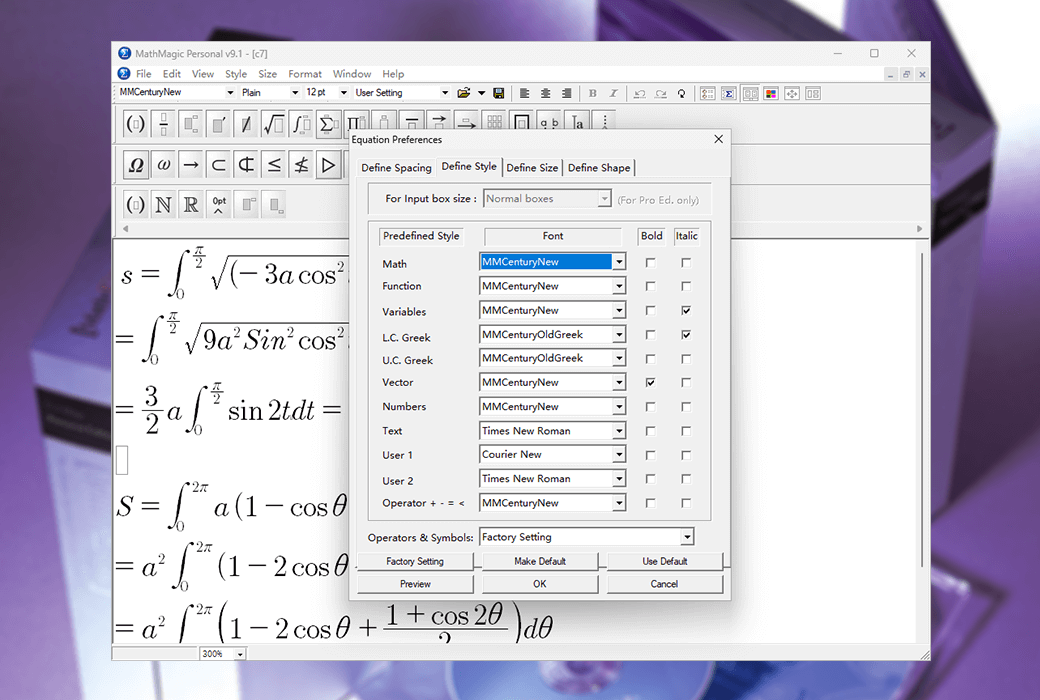
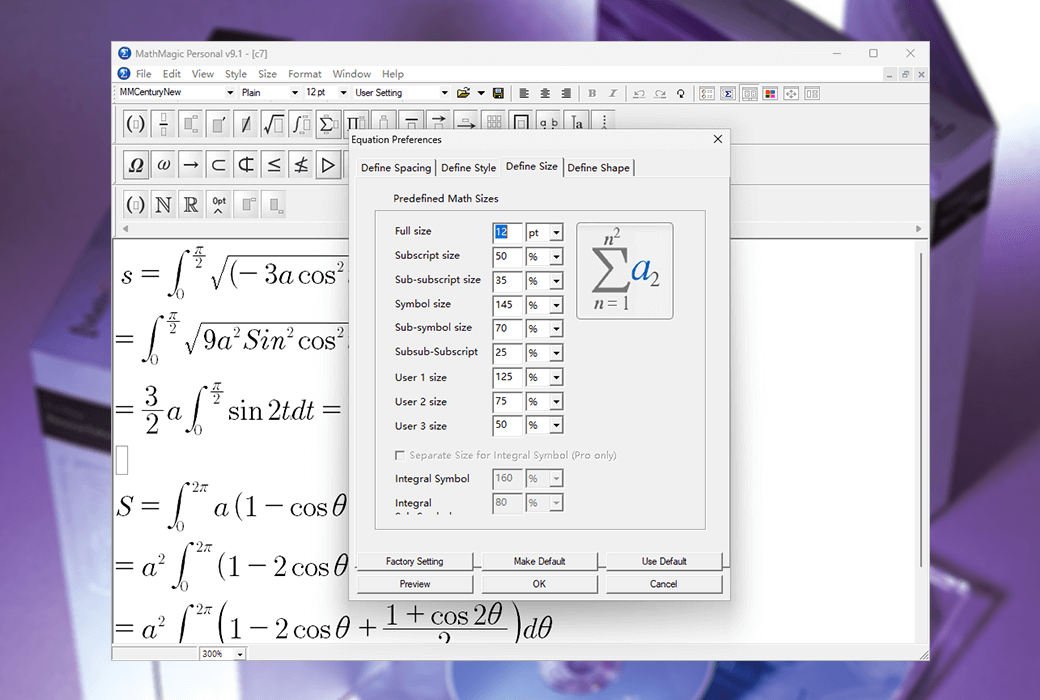
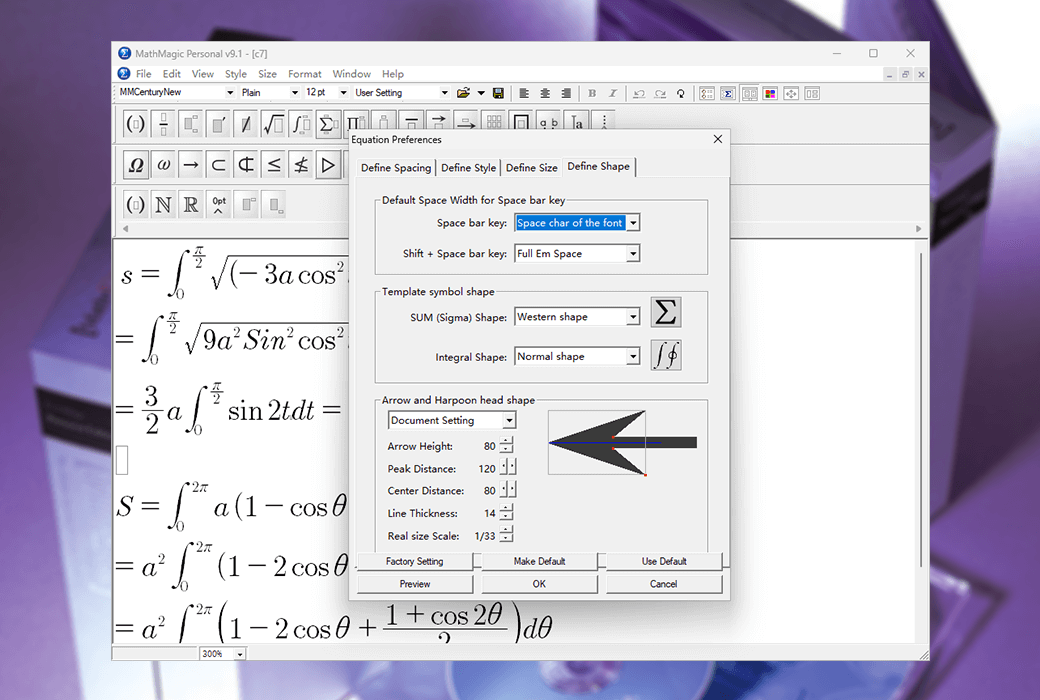
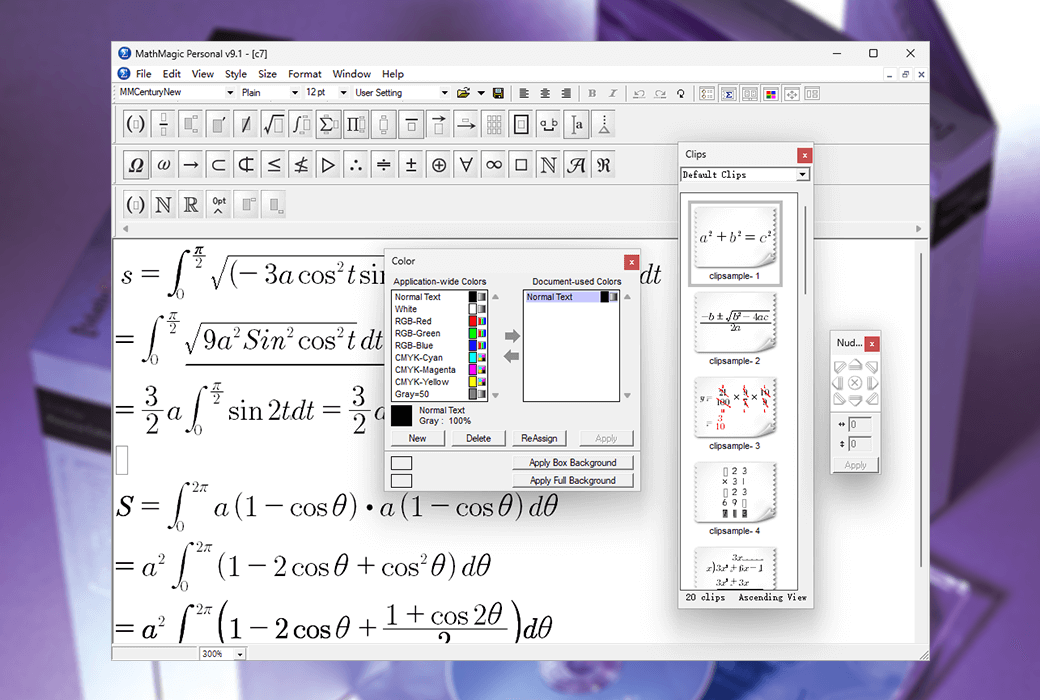
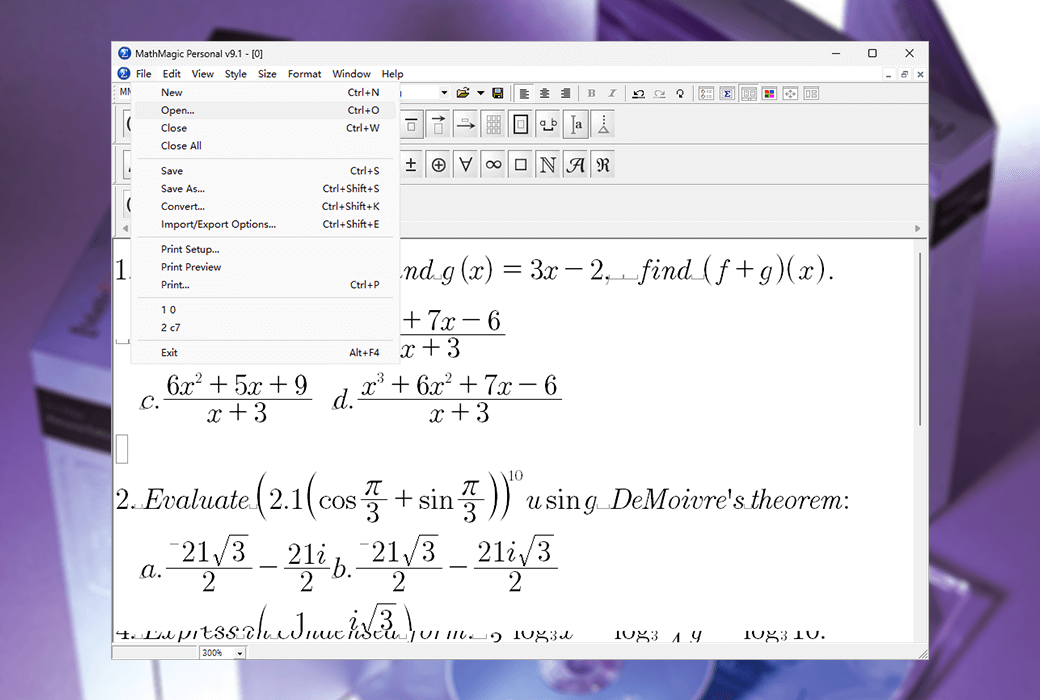
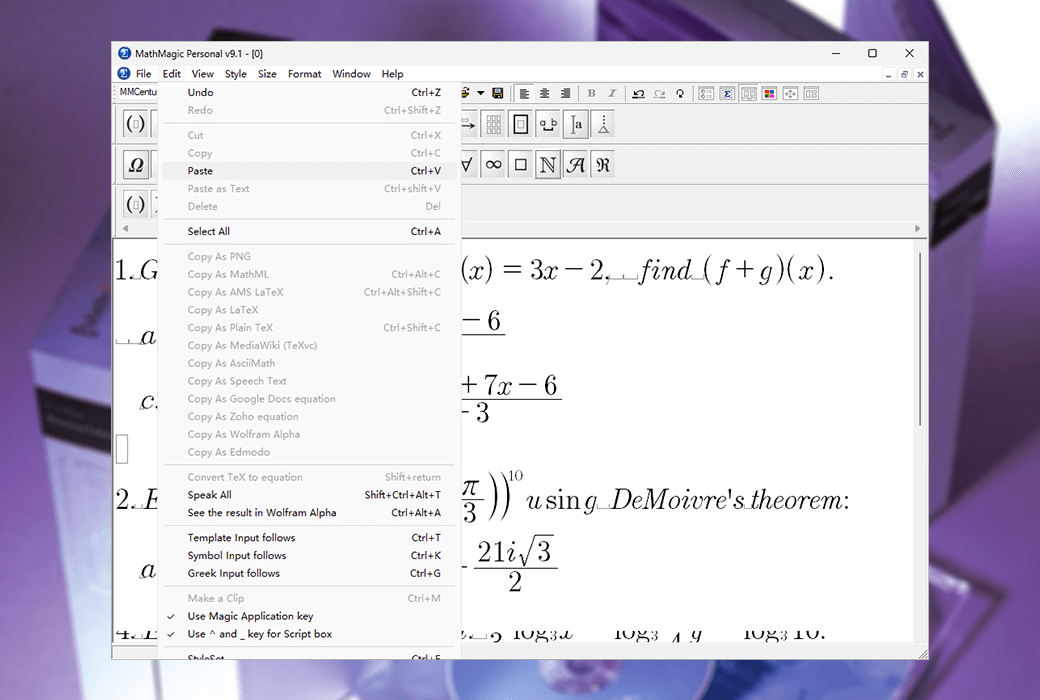
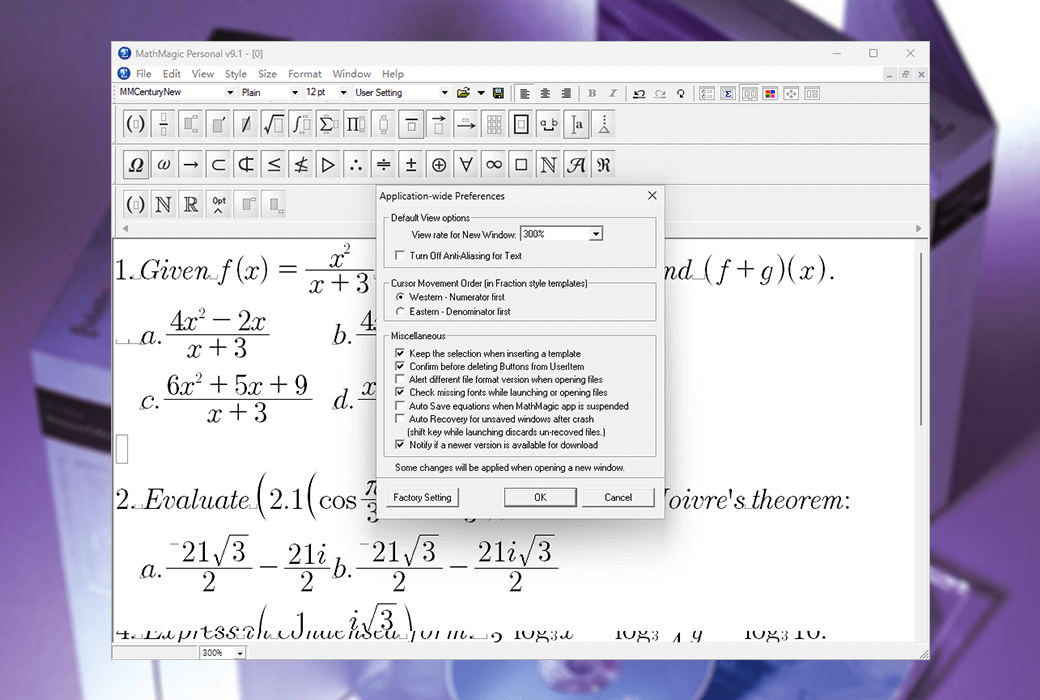
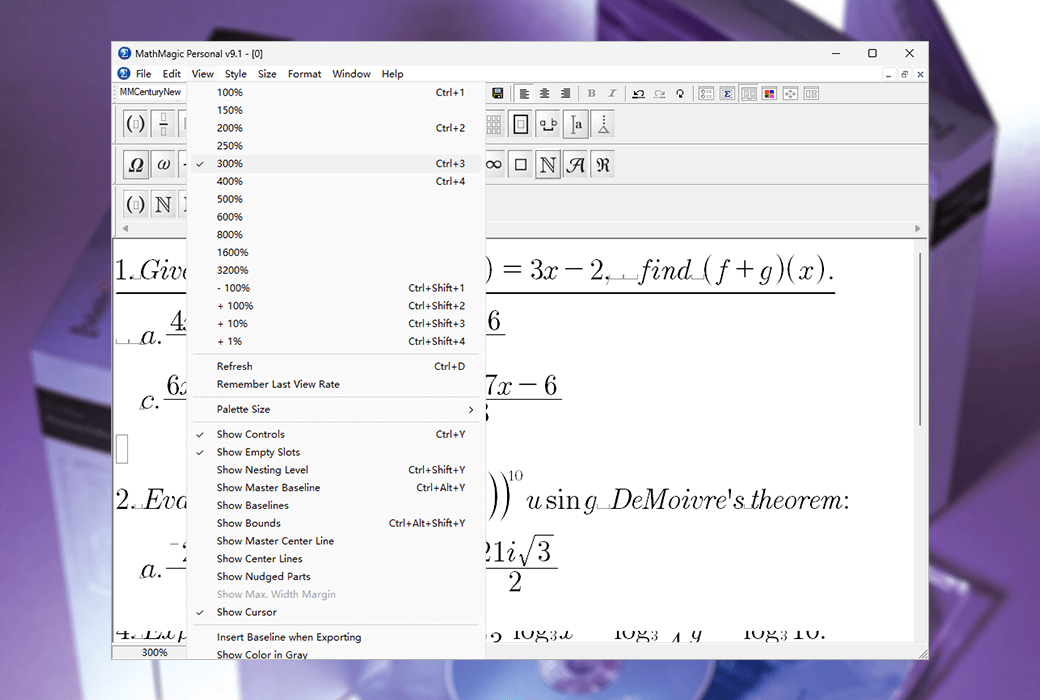
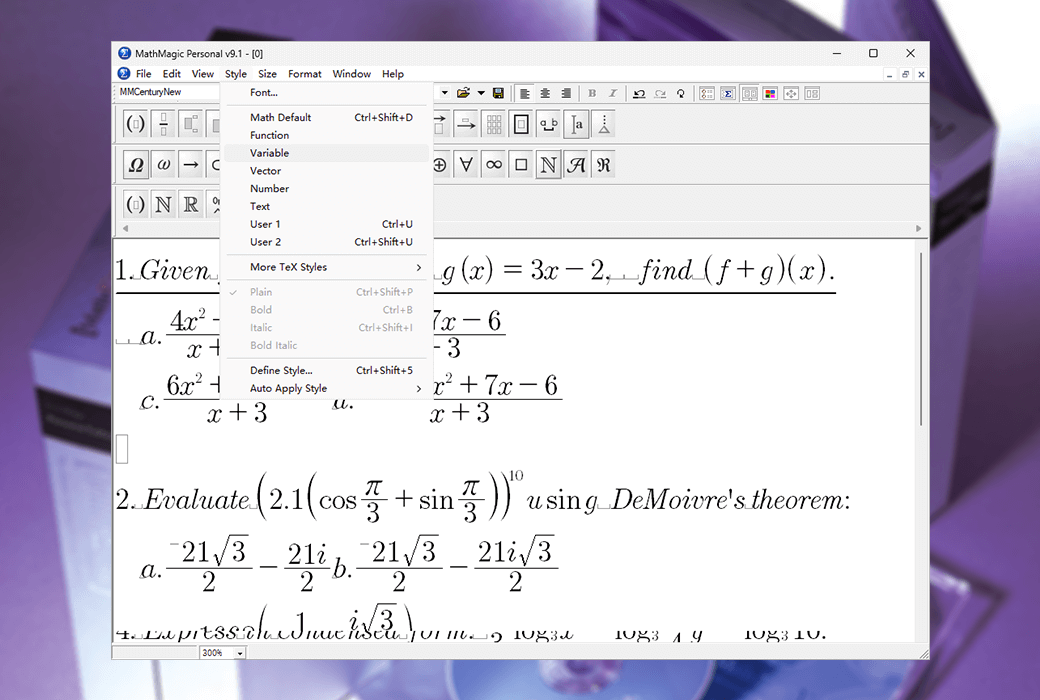
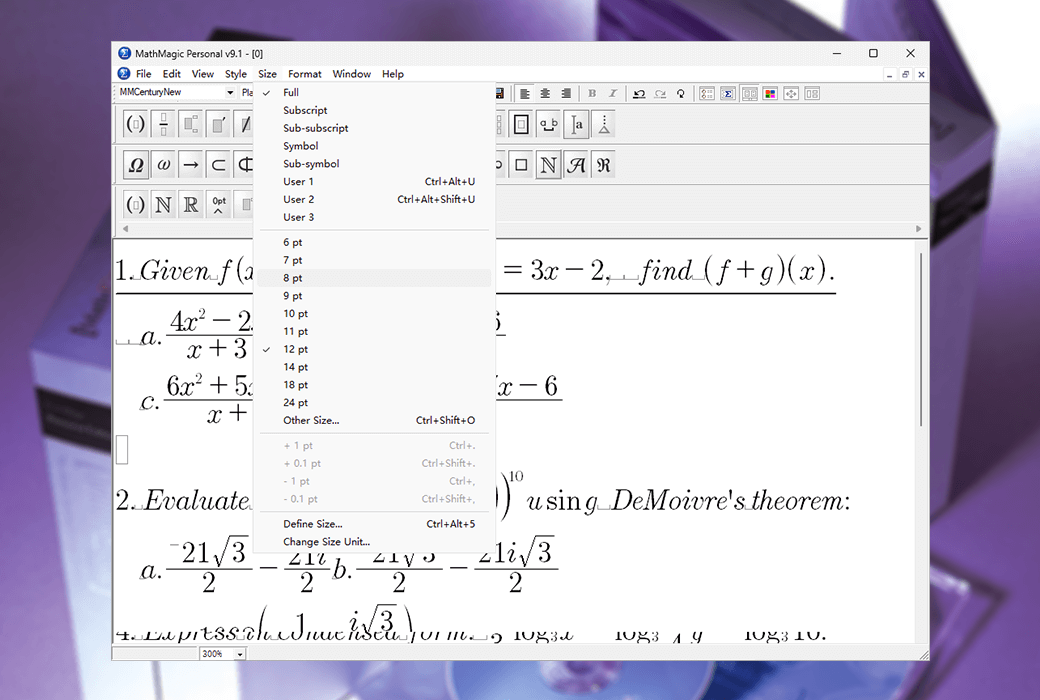
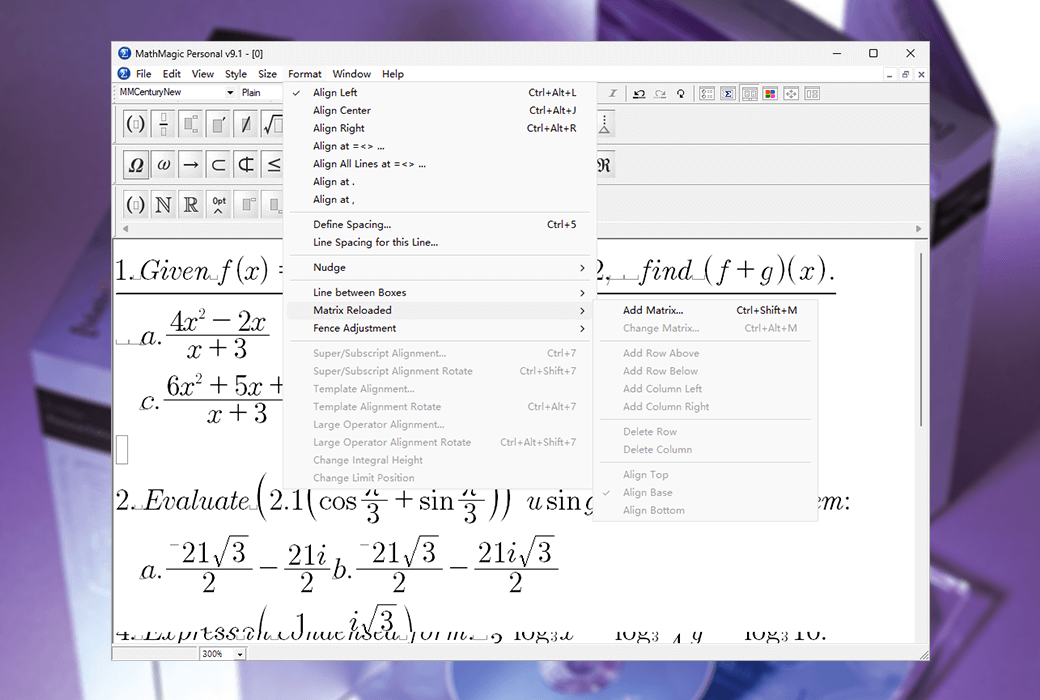
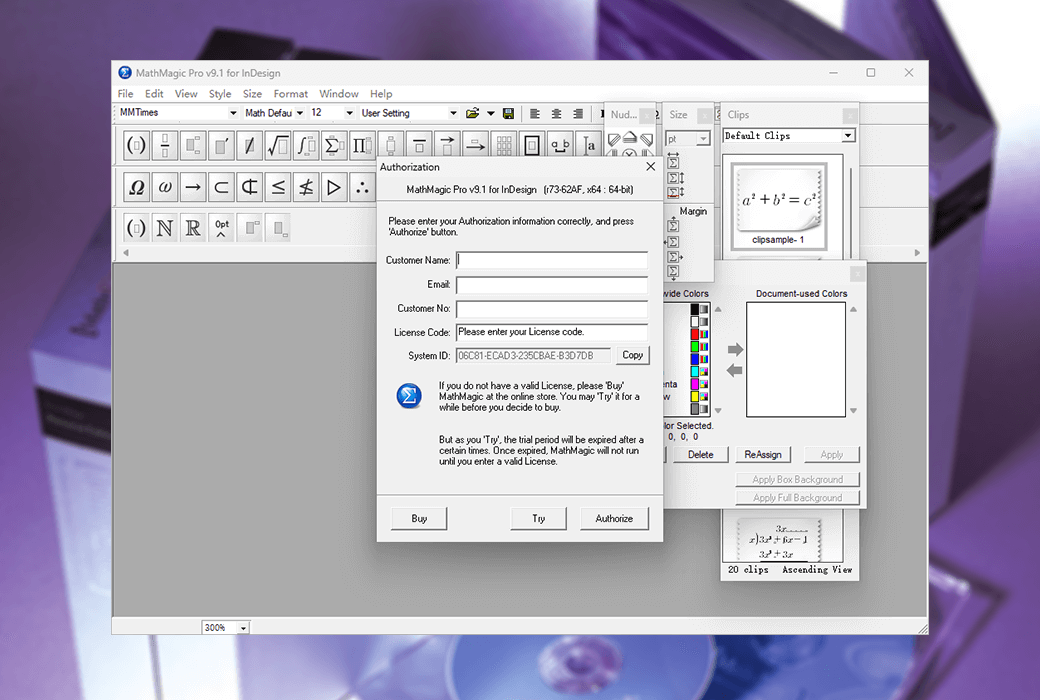
Adobe InDesign's MathMagic Pro Edition is an equation editor primarily used in conjunction with Adobe InDesign software, capable of editing any mathematical expression and symbol, with a WYSIWYG interface and various powerful features.
Comes with plugins
- MathMagic CC 2021 Plugin v16.0
- MathMagic CC 2020 Plugin v15.0
- MathMagic CC 2019 Plugin v14.0
- Old versions may be provided separately
The MathMagic Pro version of Adobe InDesign consists of the MathMagic Pro application, the MathMagic plugin for Adobe InDesign CS5~CC 20xx for Mac or Windows, and the MathMagic plugin for Mac or Windows
Composed of MathMagic font (OpenType).
The MathMagic plugin provides you with a user interface (a menu and a tool button) that allows you to create and edit equations in InDesign documents.
Then, it seamlessly communicates with external MathMagic Pro applications.
You can use the MathMagic Pro application to quickly create any equation and then send it back to InDesign. The MathMagic plugin allows you to place equations as inline graphics or floating graphic objects in EPS format within a text box. After creation, all equations are processed by InDesign, just like other EPS graphic objects. But you can still edit these equations at any time by double clicking.
The MathMagic plugin can automatically recognize the baseline of equations, so that all equations can match the baseline of the text line well, and even allow you to manually move the baseline.
Why choose MathMagic?
There are many reasons why professional users choose MathMagic products.
Simply put, MathMagic's outstanding productivity and equation quality always satisfy users.
Overall productivity can save a lot of time and labor, and software investment can usually be recovered within 1 week to 1 month. The equation quality and customizable features can meet the complex requirements of high-end users.
productivity
- Intelligent WYSIWYG editor with auto equation format,
- Provide various flexible keyboard shortcuts for advanced users
- Configurable user project palette and clip palette for easier access and reuse
- Style set management, used for group wide shared editing environment and quick application of other style sets
features
- There are many predefined templates and symbols in the color palette, covering mathematics, physics, electronics, accounting, and other higher education fields
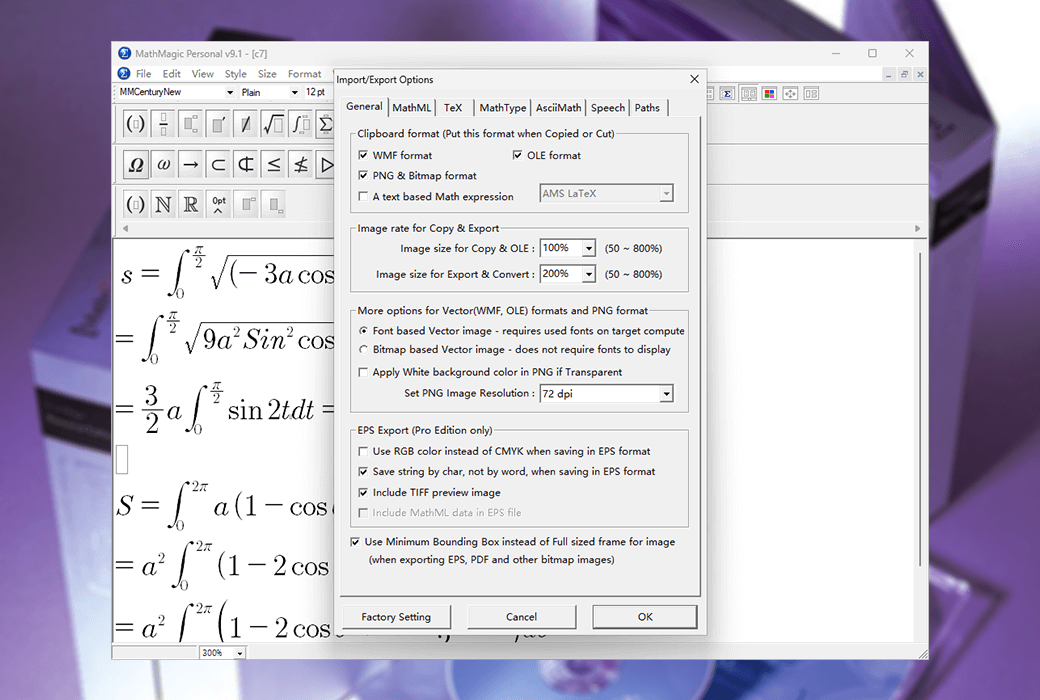
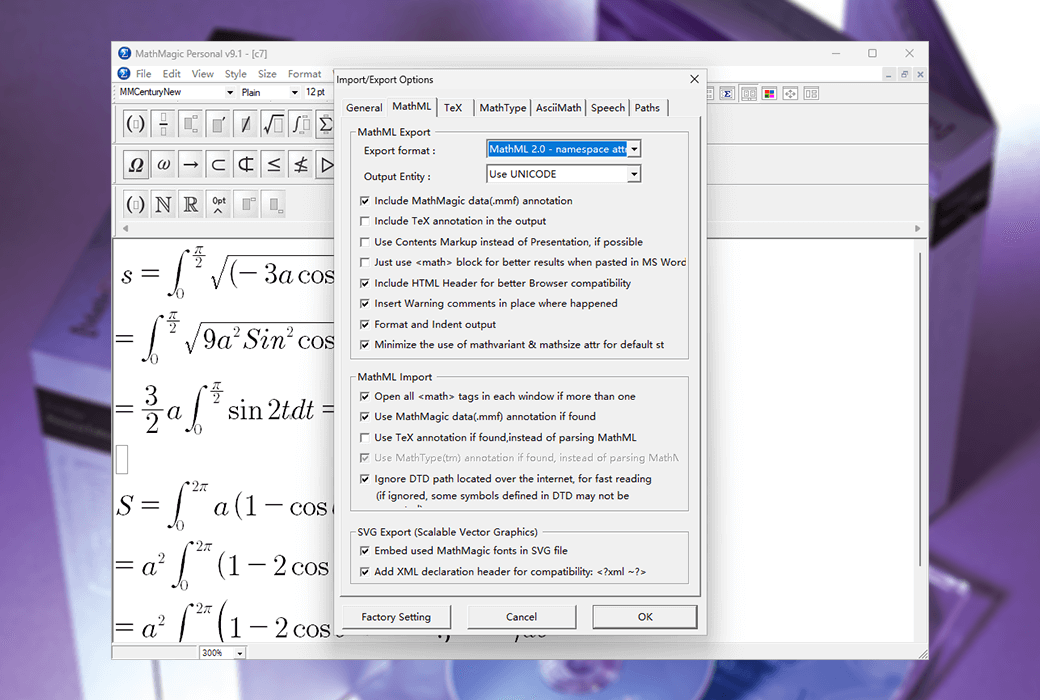
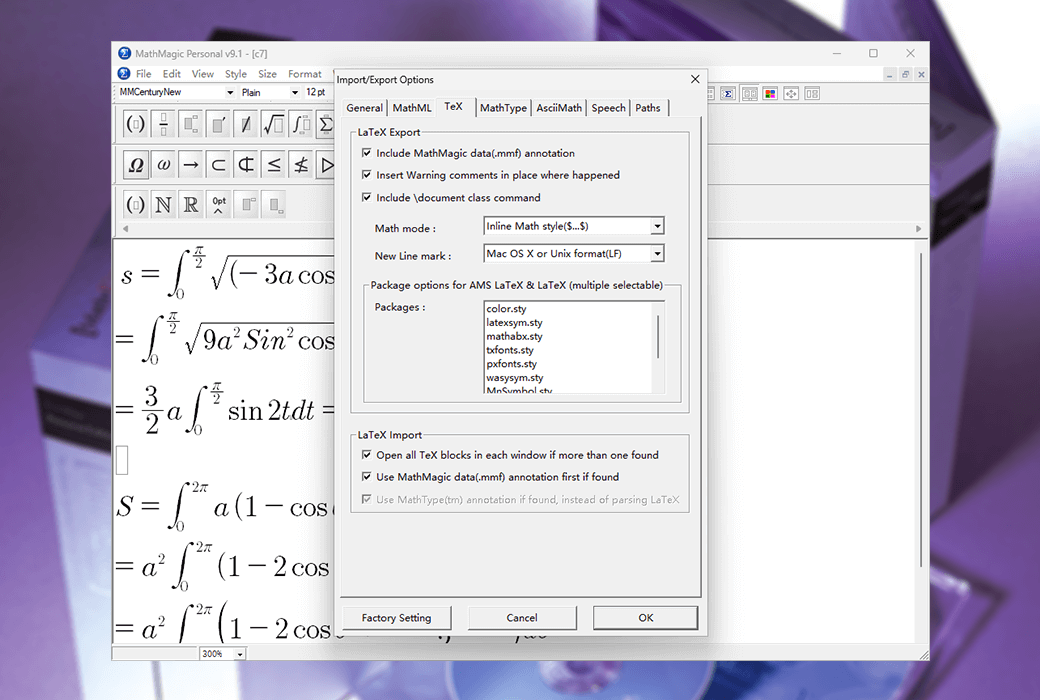
- Compatible with various formats and other software: EPS、PDF、SVG、JPG、PNG、GIF、MS Word、MathType ™、 LaTeX、Wiki、MathML、...
quality
- Multiple high-quality fonts for mathematical symbols in OpenType and TrueType formats
- Can customize template shape, thickness, gap, position, and size, with a resolution of up to 2400dpi
- EPS, Support color separation and spot color
Easy to use
- Full graphical user interface with quick keyboard input support for many common templates and symbols
- Multiple undo and redo, drag and drop, visualization settings, and preview
- With Equation Editor ™ And MathType ™ Similar user interface to reduce any additional learning costs